Transform your Career with
Copilot Studio Training in Hyderabad
Over 300+ reviews

Get a Free Demo
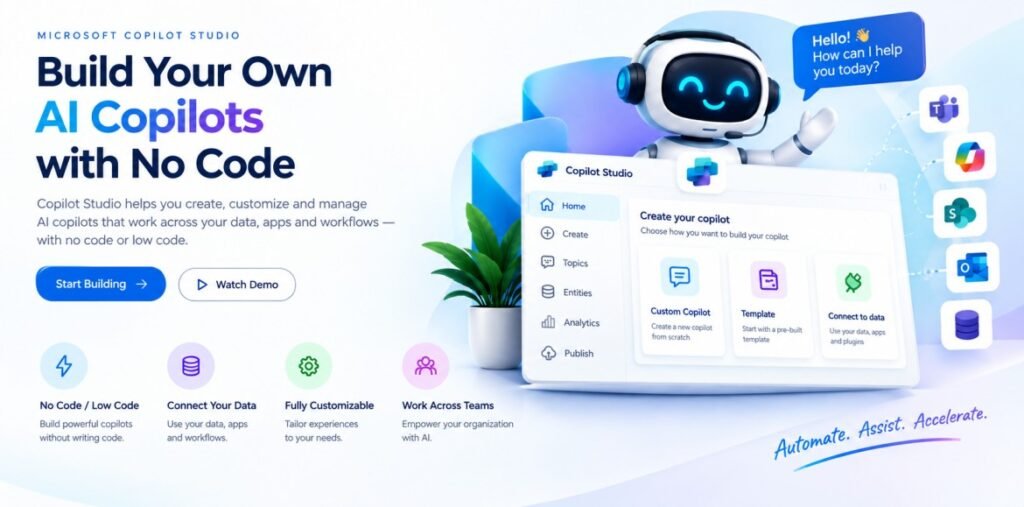
What is Copilot Studio?
Students can Expect
When you join our Copilot Training in Hyderabad, you can expect:
Recorded Sessions
Why learn Microsoft Copilot Now?
Microsoft Copilot Studio is transforming how businesses build AI-powered solutions and automate everyday tasks. As organizations increasingly adopt AI and automation, the demand for professionals with Copilot Studio skills is growing.
With Copilot Studio, you can:
Build AI-powered copilots for real-world business needs
Add in-demand AI and automation skills to your resume
Create practical solutions using generative AI and business data
Integrate copilots with Power Automate, Power Apps, and other Microsoft services
Explore opportunities in AI automation, Power Platform, and business solutions
Develop practical skills for modern AI-driven workplaces
Copilot Studio is useful for Power Platform developers, business analysts, IT professionals, automation specialists, and beginners interested in AI and low-code development.
Start learning Microsoft Copilot Studio today and build practical AI solutions for the future of business.
Copilot Studio Career Opportunities?
Build a strong career in AI automation with Microsoft Copilot Studio Training in Hyderabad. As businesses increasingly adopt AI agents and intelligent automation, professionals with Copilot Studio skills can explore opportunities in AI-powered business solutions, chatbot development, workflow automation, and Microsoft Power Platform integration. Learn to create custom copilots, connect data sources, automate business processes, and develop intelligent conversational experiences.
After completing Copilot Studio training, learners can explore roles such as Copilot Studio Developer, Power Platform Developer, AI Automation Developer, Power Automate Developer, and AI Solutions Consultant. Hands-on projects and practical training can help you develop skills relevant to real-world business requirements.
Join Copilot Studio Training at Vinay Tech House and gain practical knowledge to work with AI agents, automation, and Power Platform technologies.
Graduates
Software Developers
Career Change
Available Modes
For only Recorded Sessions / Corporate Training, Contact us at +91 9859 831 831
Copilot Course Features

Expert Trainers
Comprehensive Curriculum
Hands-On Real-Time Projects
Placement Assistance
Certification
Lifetime Support
Copilot Training in Hyderabad
CURRICULUM
Artificial Intelligence Fundamentals
Generative AI
LLM Fundamentals
AI Agents
AI Agents vs Chatbots
Microsoft Copilot Studio
Copilot Studio Use Cases
Copilot Studio Architecture
Agent Components
Agent Instructions
Agent Behavior
Agent Personality
Conversation Starters
Response Instructions
Agent Settings
Test Pane
Trigger Phrases
Topic Creation & Authoring
Message Nodes
Conversation Flow
Questions & User Inputs
Variables
Entity Recognition
Input Validation
Conditions & Branching
Multi-Turn Conversations
Conversation Context
Topic Redirection
Reusable Topics
System Topics
Fallback & Error Handling
Human Handoff
Generative AI & Generative Answers
Natural Language Understanding
AI-Generated Responses
Grounding
Generative AI Configuration
Generative Orchestration
AI-Based Intent Understanding
Topic & Knowledge Selection
Tool Selection
Dynamic Planning
Multi-Step Actions
Classic vs Generative Orchestration
Conversation Memory
Dynamic Responses
Agent Knowledge
Knowledge Sources
Generative Answers
RAG Fundamentals
Knowledge Retrieval
PDF, Word & Excel Knowledge
Website Knowledge
SharePoint Knowledge
Dataverse Knowledge
Structured & Business Data
RAG Architecture
Retrieval & Grounding
Citations
Hallucination Control
Knowledge Optimization
Dataverse Fundamentals
Tables, Columns & Relationships
Lookups & Records
Data Retrieval
Built-in & Custom Tools
Connectors
Tool Inputs & Outputs
Agent Flows
Flow Triggers
Dataverse Actions
Create / Update / Retrieve Records
Approvals
Notifications
Email & Teams Integration
Business Process Automation
Standard & Premium Connectors
SharePoint
Outlook
Teams
SQL
APIs & HTTP
External System Integration
Model Context Protocol (MCP)
MCP Architecture
MCP Client & Server
MCP Tools & Resources
MCP Authentication
MCP Error Handling
Enterprise MCP Scenarios
Single Agent vs Multi-Agent
Multi-Agent Architecture
Parent & Child Agents
Specialized Agents
Connected Agents
Agent Delegation
Agent Orchestration
Agent-to-Agent Communication
Context Passing
Multi-Agent Workflows
Authentication
Microsoft Entra ID
User Authentication
Anonymous Access
Dataverse & SharePoint Security
User Permissions
Role-Based Access
Copilot Studio Governance
Environment Governance
DLP & Data Policies
Connector Policies
Responsible AI
Prompt Injection
Data Leakage
Access Control
Compliance
Agent Testing
Test Cases & Test Conversations
Debugging
Activity Tracing
Topic, Tool & Knowledge Debugging
Error Handling
Agent Evaluation
Accuracy
Relevance
Groundedness
Response Quality
Conversation Analytics
Engagement
Resolution Metrics
Failed Conversations
User Feedback
Publishing Agents
Demo & Custom Website
Microsoft Teams
Microsoft 365 Copilot
Channel Configuration
Authentication by Channel
Solutions
Managed & Unmanaged Solutions
Environment Strategy
Development → Test → Production
Solution Import/Export
Version Management
ALM
Deployment Strategy
Production Readiness
Business Requirement Analysis
Solution Architecture
Agent Architecture
Knowledge Architecture
RAG
Topics
Generative AI
Generative Orchestration
Dataverse
Tools
Agent Flows
MCP
Multi-Agent Architecture
Authentication & Security
Governance
Testing & Evaluation
Analytics
Deployment
Production Readiness
Project Documentation
Scenario-Based Interview Questions
Real-World Copilot Studio Interview Questions
Copilot Training in Hyderabad
Advantages of Learning Copilot Training in Hyderabad
Advantages of Microsoft Copilot Studio
AI-Powered Business Solutions
Microsoft Copilot Studio helps businesses create AI-powered copilots for customer support, employee assistance, FAQs, and business processes.
Generative AI Capabilities
Use Generative AI to create intelligent conversations, generate responses, understand user queries, and deliver relevant information.
Low-Code Development
Build and customize copilots with low-code tools, making Copilot Studio accessible to both technical and non-technical professionals.
Power Platform Integration
Connect Copilot Studio with Power Automate, Power Apps, Dataverse, and Microsoft services to create automated business workflows.
Connect Business Data
Add knowledge sources and connect relevant business information to help copilots provide useful and contextual responses.
Automation & Productivity
Automate repetitive tasks, answer common questions, trigger workflows, and improve productivity across business teams.
Real-World Applications
Use Copilot Studio for customer service, HR, IT support, employee assistance, knowledge management, and business automation.
Enterprise-Ready AI Platform
Copilot Studio provides features for managing, testing, publishing, and monitoring AI-powered copilots in business environments.
Practical Skills for Modern Careers
Learning Copilot Studio can complement skills in Power Platform, AI, automation, Power Apps, and Power Automate.
Learn Copilot Studio in Hyderabad
Our Copilot Studio Training in Hyderabad provides practical learning, real-world projects, and hands-on experience to help you build AI-powered business solutions
Why Choose Copilot Training in Hyderabad with Vinay Tech House?
A complete learning solution offering hands-on Copilot Studio training covering essential and advanced concepts to help you build practical AI and automation skills.
We provide real-world case studies and Copilot Studio projects to help you apply concepts through practical scenarios.
Sessions are delivered by experienced trainers with real-time expertise in Copilot Studio, AI, automation, and Microsoft Power Platform.
All classes are recorded and shared for revision, allowing you to learn and practice at your own pace.
Choose flexible weekday, weekend, or fast-track batches, available through online and classroom training options.
Our affordable and flexible payment plans are designed to suit students, working professionals, and learners from different backgrounds.
Copilot Studio Training in Hyderabad
Copilot Studio Training in Hyderabad helps students, freshers, developers, and working professionals learn to build AI-powered copilots and agents using Microsoft Copilot Studio. Learn how to create conversational experiences, connect business data, automate tasks, and develop intelligent solutions with practical training.
Explore Copilot Studio, generative AI, AI agents, topics, prompts, knowledge sources, actions, connectors, Power Automate, Power Apps, Dataverse, and Microsoft 365 integration
Microsoft Copilot Studio Course in Hyderabad
Learn Copilot Studio with AI and Automation
Career Skills with Copilot Studio
Frequently Asked Questions
Copilot Studio Training in Hyderabad
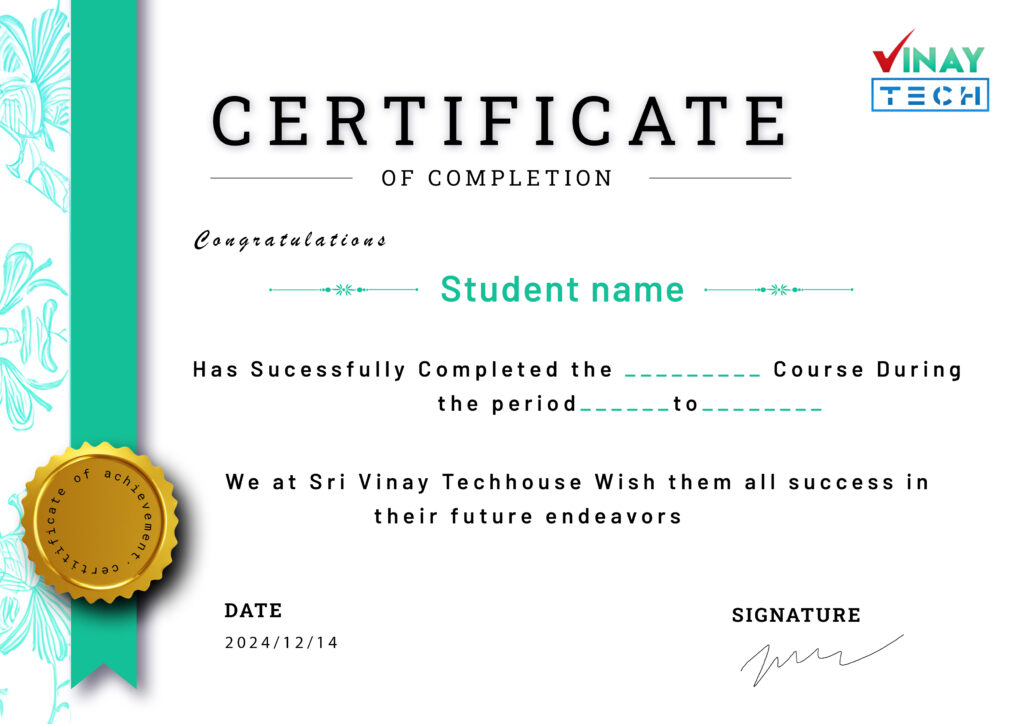
Get certified by VinayTech
Upon successful completion of the course, you will receive a Vinay Tech Course Completion Certificate. This certification enhances your resume and can significantly boost your chances of securing top job roles in leading multinational companies (MNCs). The certificate is available both as a digital copy and a printable hard copy, providing flexibility based on your needs.
Our Learners Work At







Related Courses